


8 Series
The 8 Series is a Wide Profile range of E-LOK products with the Modern width to cover holes when upgrading to a Smart Lock Solution.
Explore smart access for homes, rentals, apartments and workplaces, then choose the setup that fits your property.
Discover the people, local perspective and practical thinking behind smarter access for New Zealand homes and businesses.
The 8 Series is a Wide Profile range of E-LOK products with the Modern width to cover holes when upgrading to a Smart Lock Solution.
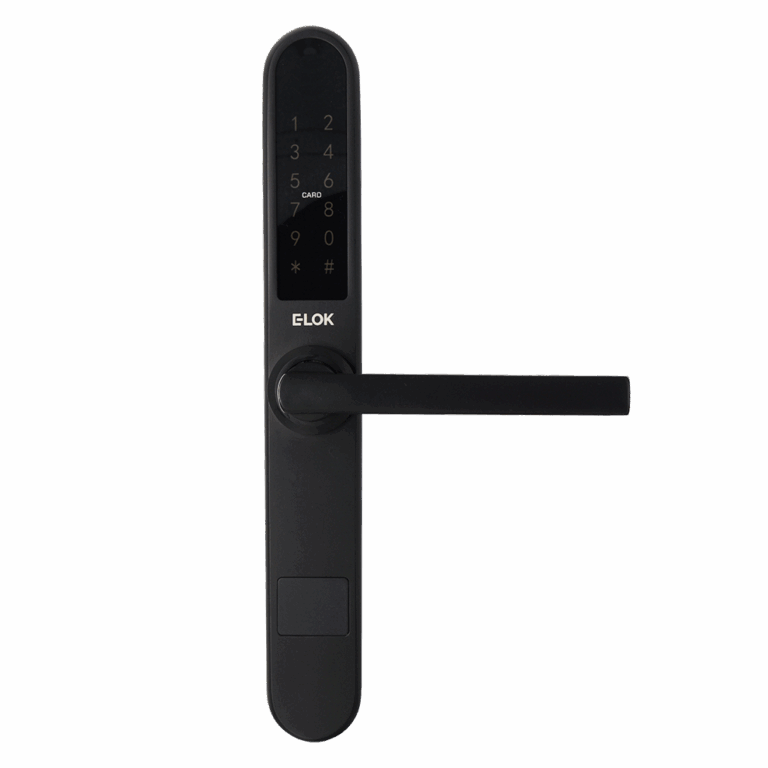
The 7 Series changed the New Zealand market with a sleek narrow profile being placed on thousands of doors across New Zealand.
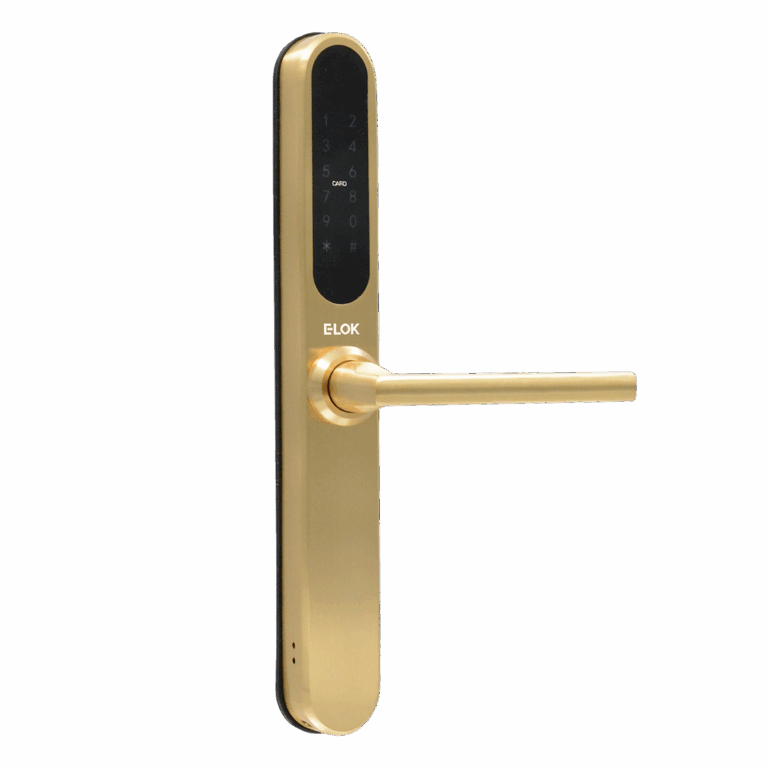
The 9 Series is the Premium Narrow Profile Smart Lock on the market with elegant finishes to match your interior design. Including Satin Bra…
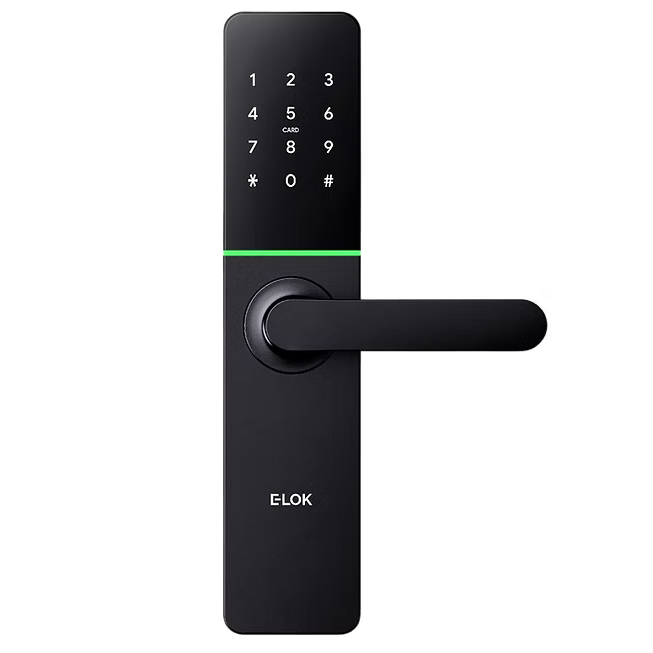
The 10 Series E-LOK Products is a Wide Profile lock with a range of new features.

Secure keys and access tools with a wall-mounted smart solution designed for apartments, workplaces, and shared properties. The E-LOK 738-BL…

Secure, store, and share access with confidence using the E-LOK 737-BLK Smart Shackle Keysafe. Designed for flexible installation and smart…

The 8 Series is a Wide Profile range of E-LOK products with the Modern width to cover holes when upgrading to a Smart Lock Solution.
The 7 Series changed the New Zealand market with a sleek narrow profile being placed on thousands of doors across New Zealand.
The 9 Series is the Premium Narrow Profile Smart Lock on the market with elegant finishes to match your interior design. Including Satin Bra…
The 10 Series E-LOK Products is a Wide Profile lock with a range of new features.
E-LOK Support
Start with your E-LOK, the task you are trying to complete or the issue you are seeing. We will guide you to the most relevant resource.
Choose an intent
Choose your E-LOK series and door application, then follow the preparation and fitting guidance for that product.
Explore 02 / CategoryFind the guide that matches what the lock is doing, then work through the safest checks in order.
Explore 03 / CategoryPair your E-LOK, establish administrator access and add the people and features your household or property needs.
Explore 04 / CategoryFind PDF manuals, fitting templates, dimensions and product information for E-LOK products and accessories.
Explore
Start with setup
Choose your lock series, then follow the right pairing and permissions sequence.
Open featured resourceCommon tasks
Featured support
See how to unlock your door remotely using the app and an E-LOK Gateway.
Give a tradesperson a PIN code for one visit.
See how to enable Passage Mode on your E-LOK smart lock.
Watch the manual factory reset demonstration for an E-LOK smart lock.
Choose a PIN code in the E-LOK app.
Give a house sitter access for a set period.
If your lock keeps dropping off the app, start with the basics like Bluetooth, batteries, Wi-Fi setup, and a…
If your E-LOK 6 Series PIN code is not working, follow these simple checks to find the cause and…
A calm, beginner-friendly guide to getting the E-LOK 6 Series up and running, from checking the box contents and…
A guided next step
Send E-LOK the model, what you are trying to do and what you have already checked.
Continue with E-LOK
Explore the smart-lock range or find a local E-LOK stockist.


